5 Best Tools for Enhancing and Upscaling Photos
One high-quality photo grabs more attention than a thousand words, here's why we bring together an overview of the best tools for upscaling and enhancing your photos in this article
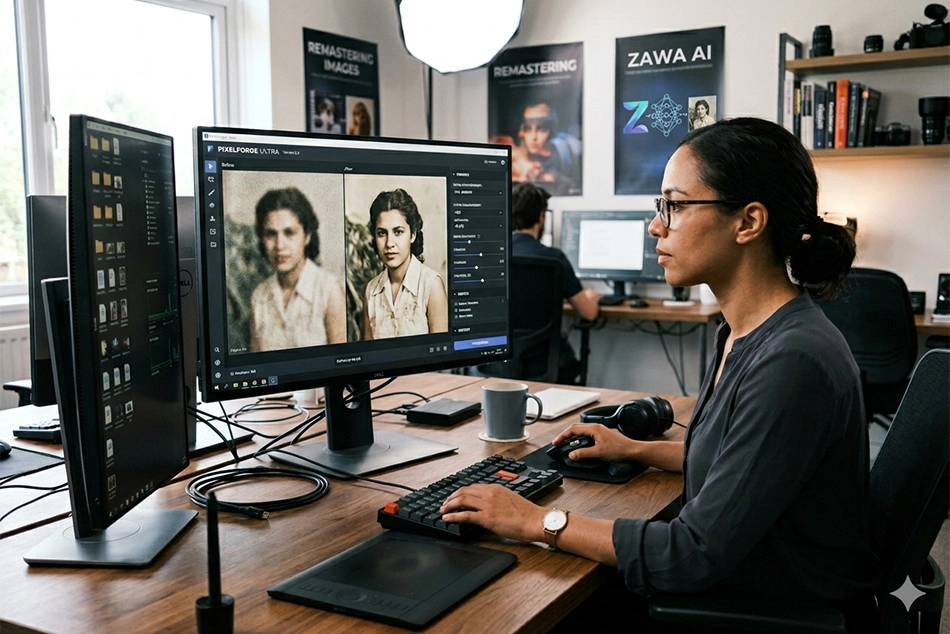
One high-quality photo grabs more attention than a thousand words.
People tend to interact better with high-quality product photos and creative content. This means you need to enhance those blurry or pixelated images.
To solve this problem, you can use upscaling tools to revamp your photos.
The best enhancement tools remove blur and reduce pixelation using image reconstruction techniques, resulting in clearer, more distinct photos.
The best tools for upscaling and enhancing your photos will be revealed in this piece.
Things to Consider When Choosing a Photo Upscaler
Advancements in technology have opened up the photo upscaler markets, providing access to different enhancement tools that weren’t possible in the past.
You just need to know how to choose the right tool.
Using specific criteria, the best photo upscaler can be identified. Below are the factors you should consider:
● User Interface
A good photo upscaler combines high-quality output with ease of use, especially for beginners.
If you lack photo-editing experience, you should choose an image enhancer that's easy to navigate. This will save you a lot of time down the line.
If you're not new to photo enhancing and upscaling, professional-grade photo upscalers might be suitable. They often have complicated controls, making them challenging for new users.
● Output Quality
When choosing a photo upscaler, the quality of its result is important.
Most photo enhancers offer free trials, allowing for easy assessment of the upscaled image.
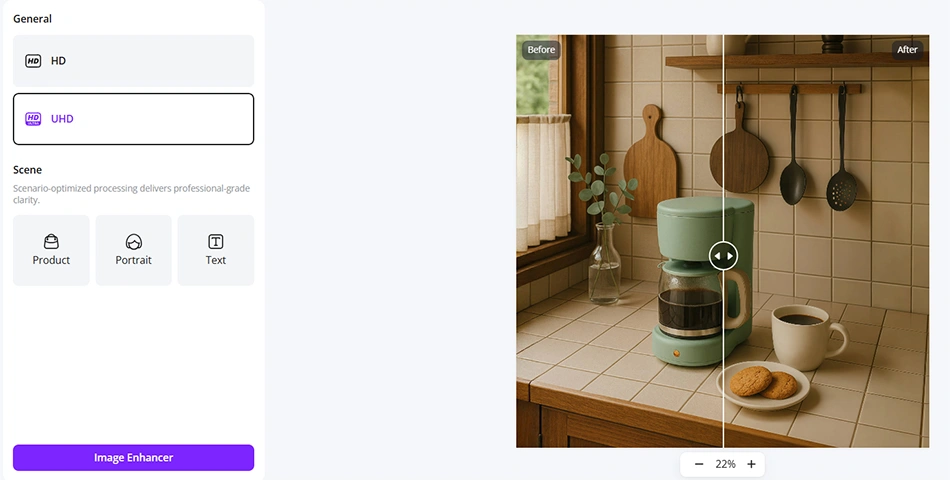
You need to evaluate the sharpness of the enhanced photo, attention to detail, and color adjustment.
An upscaled photo that ticks all the right boxes is visually appealing, making it the perfect fit for use as content or product photos.
● Upscaling Process
Photo enhancement tools differ in the method they use to upscale an image.
AI tools use cloud-based solutions to enhance a photo, while photo editing software relies on massive hardware equipment to upscale the image.
Each path comes with a trade-off.
Photo editing software requires devices with powerful hardware, which is expensive.

Cloud-based solutions have limited capacity and require an internet connection.
● Supported Formats / File Size
You can’t pick the right photo enhancer without considering the media formats it supports.
Most image-enhancing tools are compatible with the usual suspects, JPG and PNG. A few add support for TIFF, HEIC, and RAW.
Besides the file formats, upscaling tools also differ in the file size they can handle.
Most AI photo-enhancing tools require images to be under 50 MB, though this may vary depending on your subscription.
Photo upscaling software supports much larger file sizes, but the maximum depends on your device's capacity.
The right file compatibility support ensures a streamlined workflow, which improves efficiency.
● Bulk Workload
Another factor in determining whether a photo upscaler is the right fit for you is its ability to handle large volumes of work.
If you’re working on a project that requires upscaling a large number of photos, you certainly need an enhancer with batch-processing capability.
It could save you a lot of time as you don’t have to upscale the photos one by one.
Batch processing is usually a must-have for a commercial workflow that requires quickly scaling up multiple photos.
5 Best Photo Upscalers
1) Zama
Built for brands/businesses, Zawa uses AI to upscale photos accurately.
Its cloud-based solution enhances your photos without blurs or flawed edges.
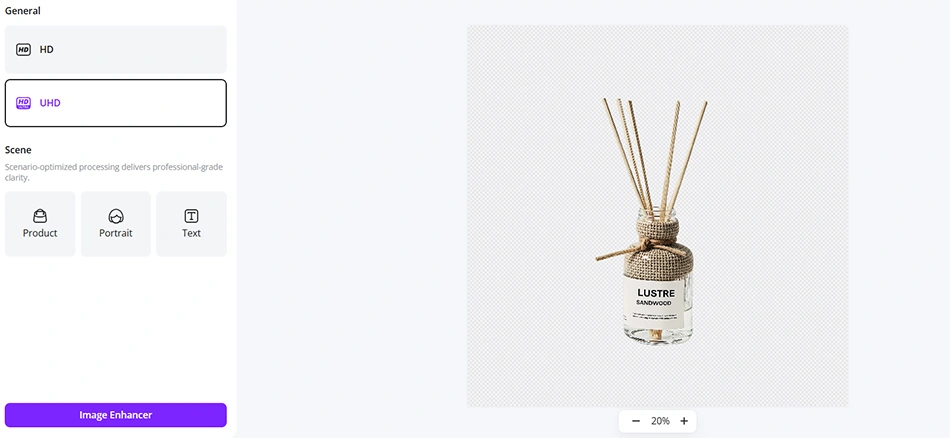
On Zawa, you have a user interface that’s perfectly suited for beginners.
If you’re just starting your photo editing journey, its AI photo upscaler is perfect for you.
Zawa’s strength is the simplicity of its photo upscaling. You click a button, and the tool enhances your image.
You don’t have to be an expert at photo editing.
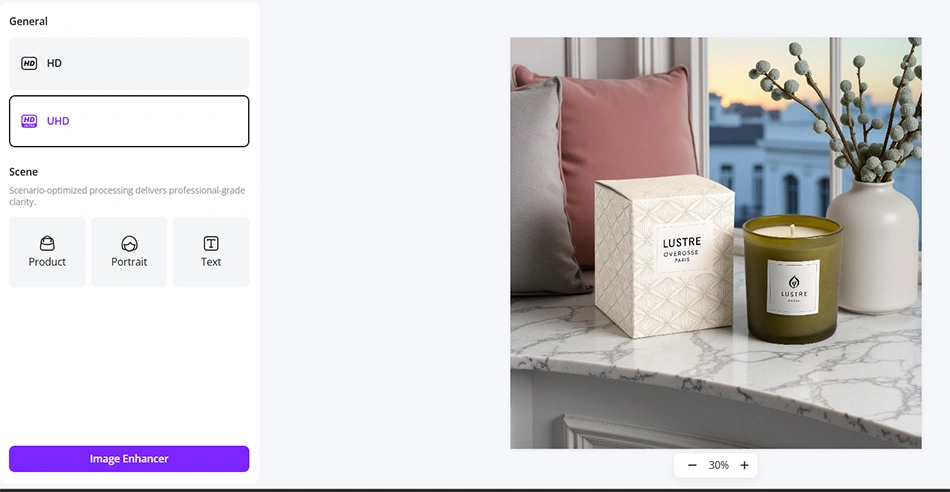
Whether it’s a product photo, a portrait, or a random text photo uploaded, Zawa caters to different photo types.
Its scenario-based optimization enables more nuanced photo upscaling.
For brands and creators who need to upscale many images quickly, Zawa’s batch uploads can help.
With a few clicks, the folder of images is upscaled and ready for download.
The photo upscaling occurs simultaneously, making the process more efficient.
For business owners, brands, and creators without photo-editing experience, upscaling images using Zawa feels just right thanks to its simplicity and the quality of the enhanced photos.
Pros
- High-quality photo upscaling
- Perfect for beginners
- Supports batch processing
- Caters to different image types
Cons
- Credit-based usage becomes expensive with frequency
2) Adobe Lightroom
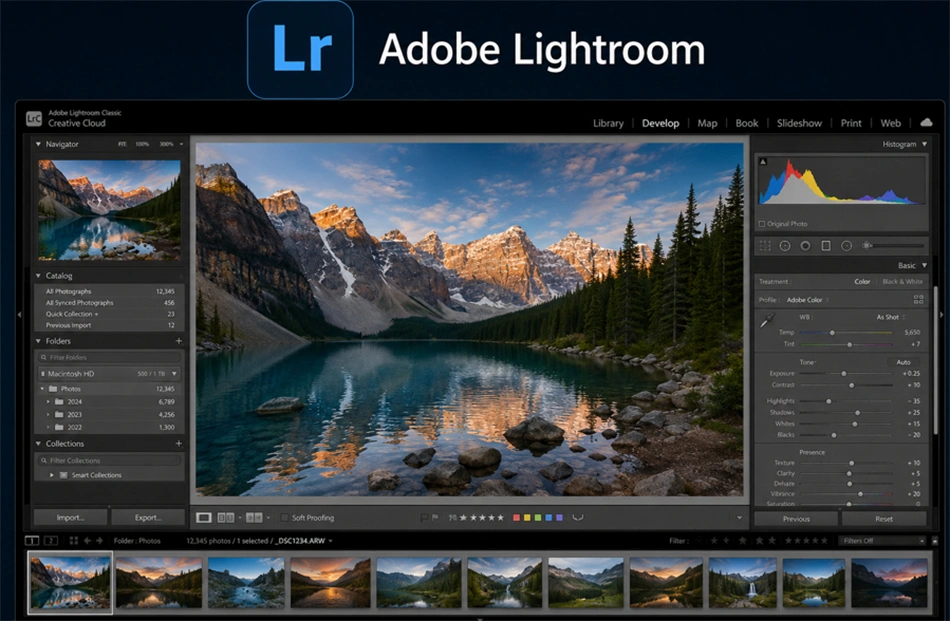
Though widely known as a photo editing software, Lightroom can also upscale user images.
The Adobe tool uses Super Resolve to achieve 4X upscaling without any internet connection.
Its photo enhancement works perfectly on RAW files, so it's a popular choice among users upscaling camera footage.
Adobe has also added generative AI upscaling to Lightroom. You can now enhance photos on the software relying on the precision of AI.
It's perfect for users interested in photo enhancement completed in record time.
Though Lightroom is great for moderate upscaling, it lacks the capacity to handle larger enhancements.
You can’t upscale photos beyond 4x on the Adobe tool. Its inclusion of AI-driven upscaling hasn’t helped expand the software’s capacity.
Also, photo enhancement is slower compared to specialized AI upscaling tools.
It’s usually tied to your device's strength, which can be a problem for businesses or brands that don't use high-end gadgets.
Pros
- Easy to use
- Integrated workflow
- Perfect for RAW files
Cons
- Device-dependent upscaling
- Large export files
3) Topaz

This is another tool used for photo upscaling. Topaz relies on deep learning technology to enhance images so AI fills in the details.
On Topaz, users have access to 8x resolution, expanding photos to sizes that are suitable for different purposes.
Topaz uses four upscaling modes: Standard V2, Upscale high-resolution V3, low-resolution V2, and CGI.
Each mode caters to a specific image type.
For instance, CGI works great on logos and CGI, while low resolution mode works best on screenshots and web images.
Each mode differs in the max resolution possible. This flexibility ensures its suitability for different upscaling purposes.
On Topaz, users aren’t limited to just enhancing a photo. You can denoise, sharpen, and even render your photo so they are suitable for whatever task you have in mind.
Pros
- Impressive photo upscaling
- Easy to use
- Works offline - perfect for privacy-seeking users
Cons
- High pricng
- Requires powerful GPU devices to operate
4) Upscayl

This is an open-source photo upscaling software that relies on your device’s capacity.
On Upscayl, you can enhance images without an internet connection. Though it uses AI, upscaling isn’t web-based.
Upscayl operates with any of 5 distinct AI models, each with a different purpose. General Photo, UltraSharp, Remacri, Ultramix, and High Fidelity.
With each mode, you get a different ceiling on resolution.
The tool also supports upscaling to 16x, provided you choose the right option.
Upscayl’s biggest edge is its free-to-use, offline photo enhancement. It’s perfect for users keen on keeping the details of their image upscaling private.
However, its cloud-based addition comes with a cost, relying on an internet connection for some additional processing capacity.
Pros
- Free and open source
- Perfect for privacy-conscious users
- Decent quality
- Good support from Upscayl online community
Cons
- Requires high-end computers with a powerful GPU
- Lacks editing features
- Upscaling process takes longer
5) Wink Image Enhancer
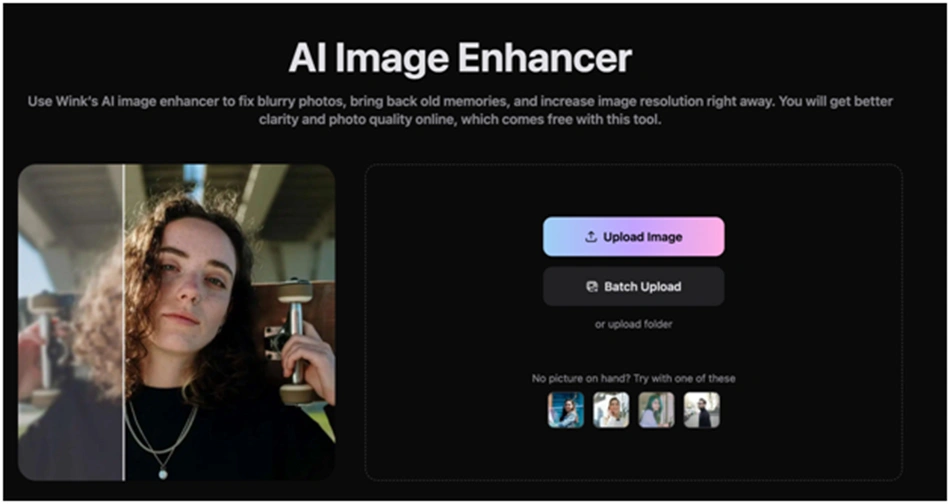
Another photo upscaling software that makes this list is Wink image enhancer.
Powered by AI, this tool uses machine learning to deliver enhanced images without any loss of detail.
Wink AI Resize mode uses a patented interpolation technique to capture minute details in your upscaled photo.
WithWink image enhancer, you get access to a range of editing and printing options for your enhanced photos. This explains the tool’s popularity among photographers and creators.
Its suitability for every user is in its customizable panels, side-by-side preview, and easy navigation settings.
Pros
- Good upscaling quality
- It integrates easily with other photo editing tools
- Supports batch processing
Cons
- Device-dependent upscaling
[Sana Ahmed is Staff Writer at ummid.com.]
Follow ummid.com WhatsApp Channel for all the latest updates.
Select Language to Translate in Urdu, Hindi, Marathi or Arabic